Motion capture records how a performer moves and applies that movement to a digital character. There are three common ways to do it. They differ in accuracy, in how much space and equipment they need, and in how much clean-up follows.
Optical: cameras and markers
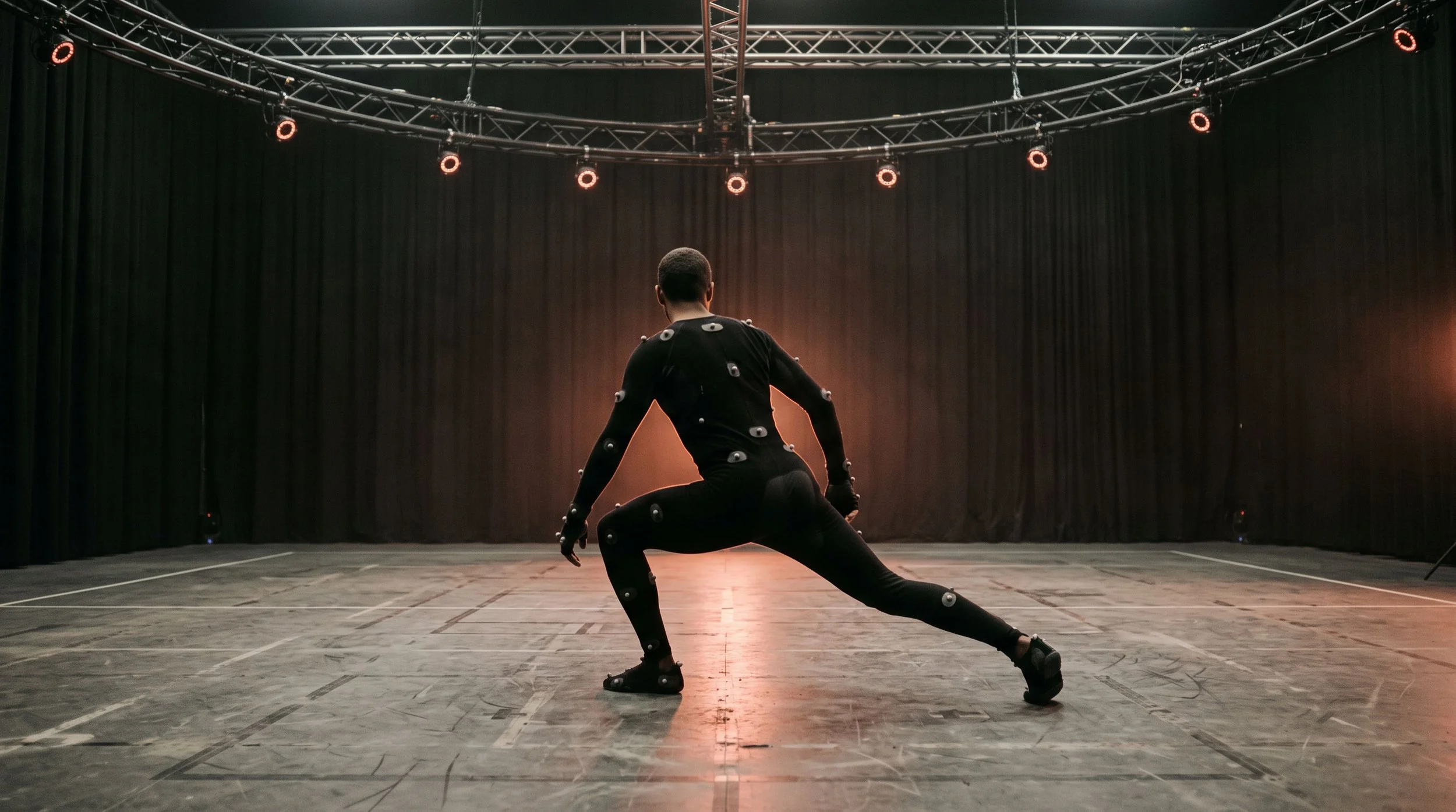
The performer wears a suit with small reflective markers. A ring of cameras around the capture area tracks each marker and software reconstructs the skeleton. Optical systems give the most precise positions, which matters when feet must stay planted on the floor, hands must meet props, or several performers interact. The limits are practical: it needs a dedicated space, and a marker hidden from the cameras by a body or a prop has to be filled in afterwards.
Inertial: sensors in the suit
Small sensors on the body measure rotation and acceleration. There are no cameras, so nothing can be blocked from view, and the suit works outdoors or on location. The trade-off is drift: without an outside reference, the system's sense of where the performer is in the room slowly wanders, and magnetic interference from metal structures or electronics can disturb the sensors. Inertial capture suits fast turnaround and awkward locations more than shots that need exact contact.
Markerless: video and machine learning
Software estimates the skeleton from ordinary video, with no suit at all. Setup is fast and performers can wear costume. Results have improved quickly, but fine detail such as fingers, foot contact and close interaction between people is less reliable than with markers. It is a good fit for previsualisation, reference and background characters.
Body is only part of it
Fingers and faces are usually captured with their own systems: gloves or extra markers for hands, a head-mounted camera for facial performance. Props that the character holds need tracking as well. Decide early which of these the project needs, because adding them later means another session.
What happens after the session
Raw capture is not finished animation. The data is cleaned, then retargeted from the performer's proportions onto the character's. A character with very different proportions, such as long arms or a short torso, needs more animation work to make the movement read. Budget time for this stage. It is where capture becomes character.
See the character while you shoot
Capture data can be streamed into a game engine so the director watches the digital character move live, in its environment, during the take. For this the character rig has to be ready before the session. It is the single most useful thing a first-time team can prepare.
How to prepare
A move list, shot by shot, with rough durations
The character rig, or at least its proportions
Reference video for anything stylised
The props, or stand-ins of the same size and weight
A performer cast for the movement, not only for availability
Thinking about a character-driven project? Write to wlab@wlab.tech and we will help you pick the right method.
Cover image: an illustration generated for this article, not a photograph of a WLAB shoot.
